| back to Digital Map | Bangkok Riders Club |
SmartMap Viewer 3.0 / Thailand
| System Requirements | |
|---|---|
| OS | Microsoft Windows 98, NT 4.0 SP3 (Compatible with the ME, 2000 and XP) |
| Minimum Requirement | Pentium 133MHz, RAM 32MB, 8x CD-ROM Drive |
| Monitor | 800 x 600 or larger |
The SmartMap requires registration with the MapPointAsia, either on the web or by fax. Without registration, the SmartMap ceases to function 30 days after installation. For registration, you need to supply your name and the Product ID (printed inside the package).
By default, map files are not copied to the hard-disk, and the SmartMap reads the map from the CD-ROM. You can manually copy map files to the hard-disk. The attached manual tells you how to do this.
For copy protection, the SmartMap requires that the CD is inserted when running the program. This is also the case even after you have copied map files to the hard-disk.
Screen Shots
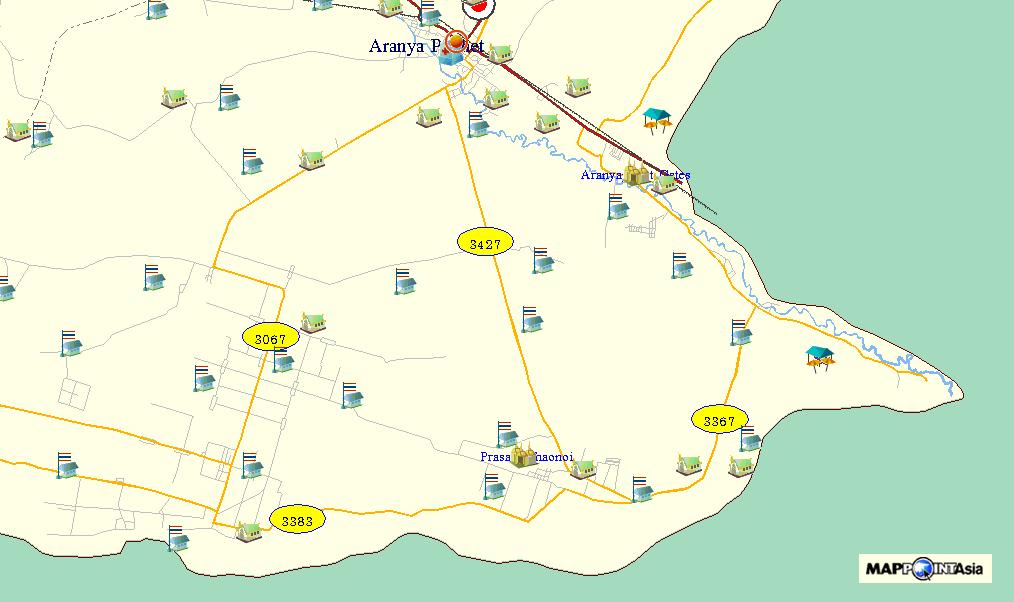  South of Aranya Prathet (with landmarks on) South of Aranya Prathet (with landmarks on) |
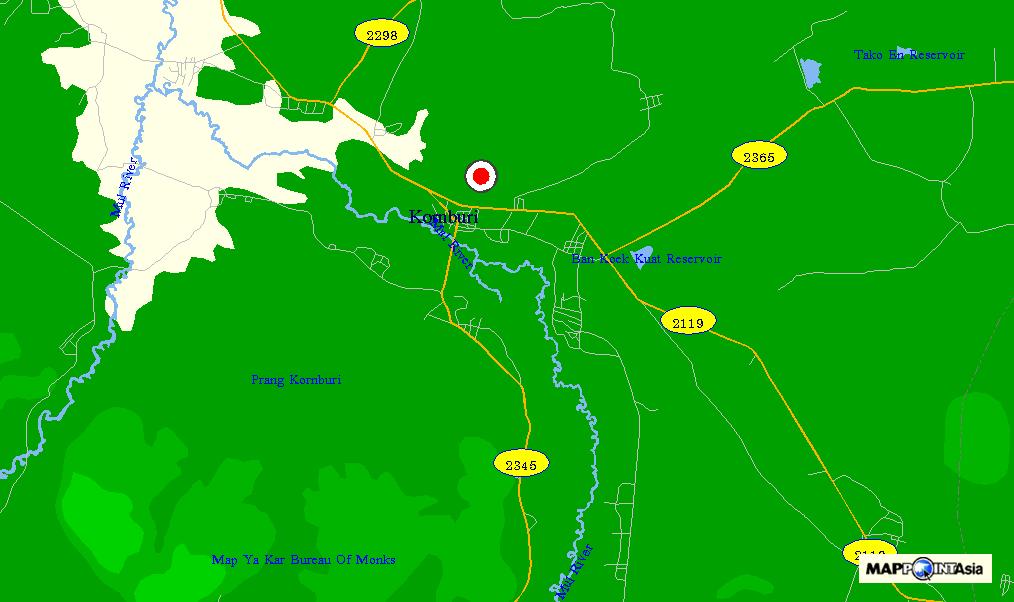 Konburi Konburi |
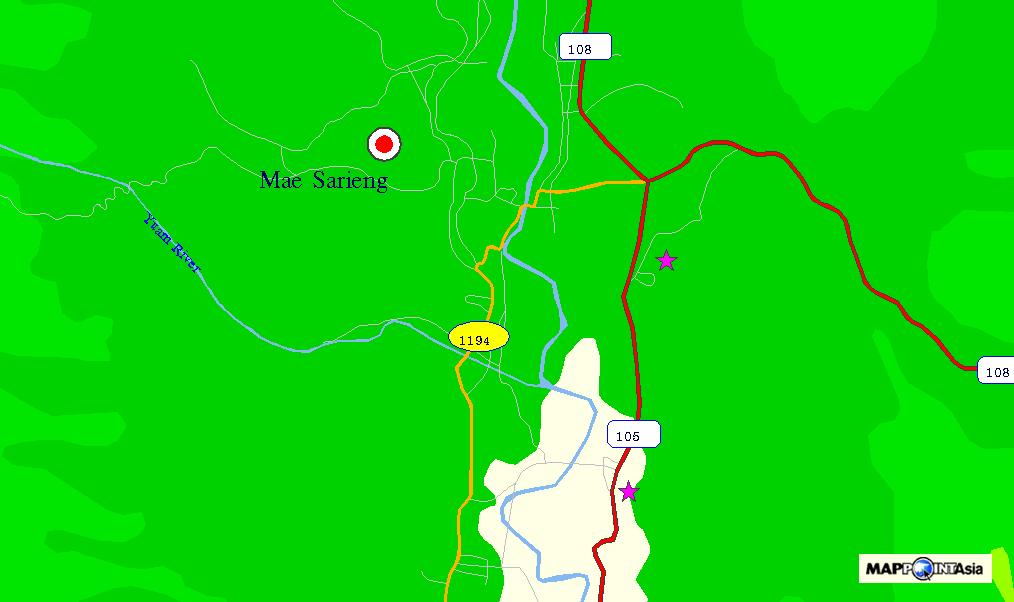 Mae Sariang Mae Sariang |
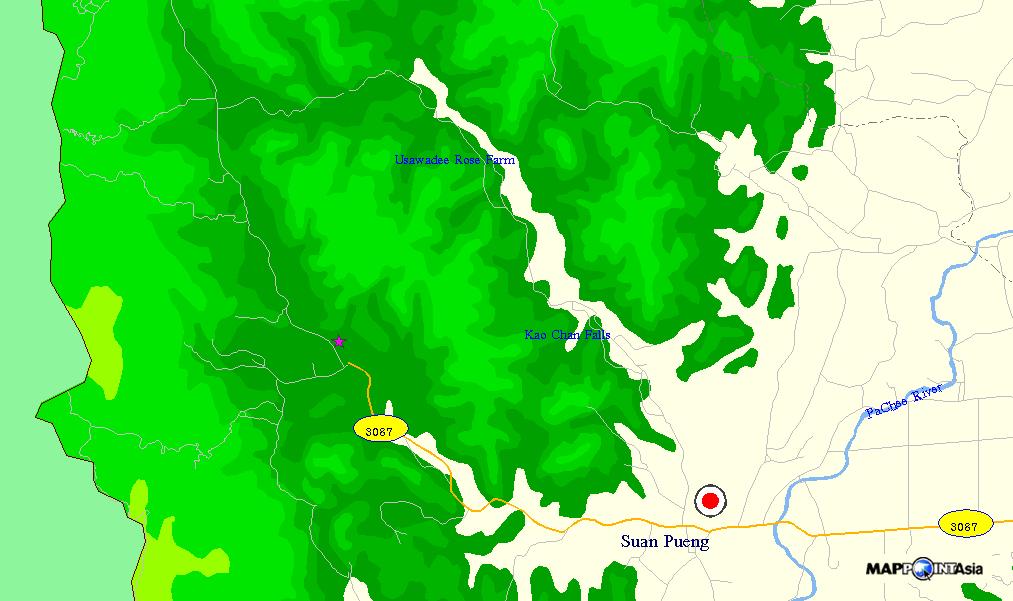 Suan Pueng (Ratchaburi Province) Suan Pueng (Ratchaburi Province) |
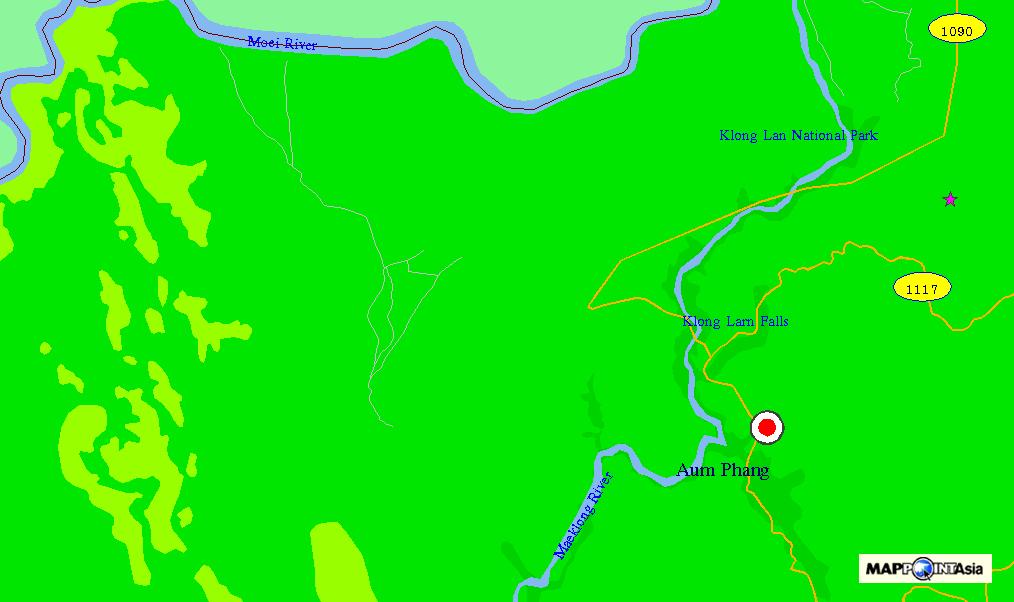  Umphang Umphang |
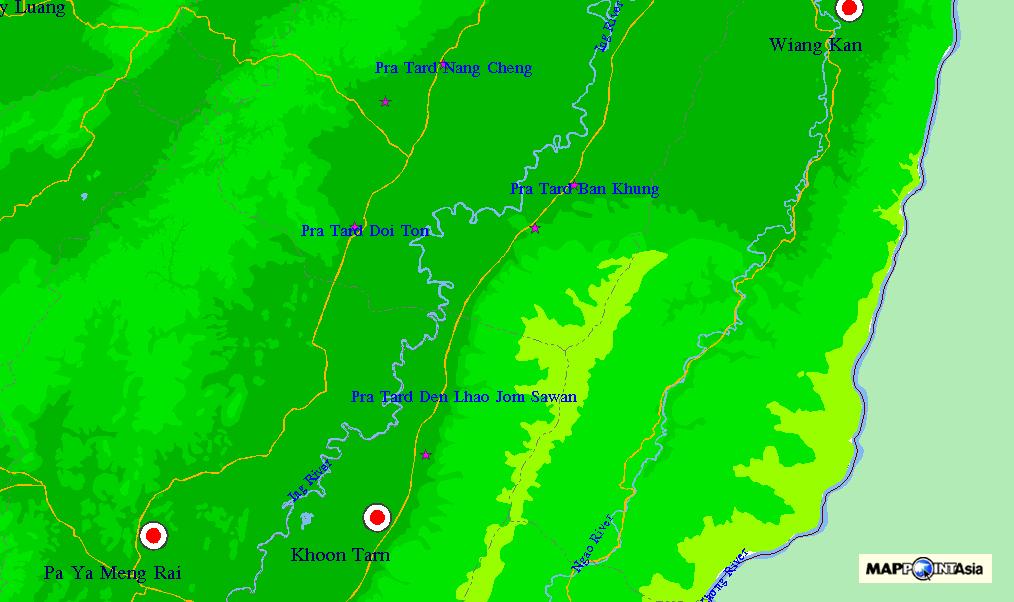 Absence of the Pha Tang - Phu Chee Fah Road Absence of the Pha Tang - Phu Chee Fah Road |
Map Review
The SmartMap shows detailed road networks in most areas, but quite inferior in some areas. Its overall detail is about on a par with the Thailand Atlas. In some areas, the SmartMap shows roads which don't appear in the Thailand Atlas, in other areas the situation is the other way around.
The map also shows contours, rivers and administrative boundaries.
The map contains an extensive database of schools, temples, etc. throughout Thailand. But, unlike the Thailand Atlas, it doesn't show names of villages.
Viewer Review
The viewer is a bit unwieldy. You can re-center a location, but you cannot pan the map by dragging the mouse. The mouse wheel doesn't work, either. You can select to show and use scroll bars by navigating the menu as
View > Scroll Bar > Open
but this setting is not saved when the viewer is closed.
The viewer doesn't show any scale or ruler. In order to measure the distance between two points, you must navigate the menu as
Tools > Measuring > Distance > Point to Point.
The viewer doesn't show latitude/longitude grids. In order to read the latitude/longitude data of a specific location, you must first pinpoint and record the location as an "annotation," then click the [Search Annotation] button and read the data. The viewer doesn't allow you to copy the data, so you must read and hand-copy them digit by digit. Nor can you enter latitude/longitude data of a location to show it on the map.
The viewer has a minimum interface to connect to a GPS to show the current position on the map, but it cannot download GPS waypoints, either from a GPS or from a file, to show on the map.
The viewer tend to misbehave at times. It often fails to recognize the left-click mode, whether to zoom-in, zoom-out or re-center. Sometimes it shows two entries in the task bar. You can download a bug-fixed viewer at MapPointAsia's website, but the problem persists.
You can print the map in the window by clicking the [Print] button, or save it in the BMP format.
There are 69 categories of landmarks--airport, bank, hotel, school, temple, etc. You can switch on/off each category to be displayed on the map.
There are 63 "levels"of display mode. You can switch on/off each "level" to show the regional boundary, road, railway, contours, highway number, etc. to customize the map display.
Conclusion
With the map data inferior in some areas, and the viewer interface rather unwieldy, this CD map isn't for everyone. Other printed maps are often better suited for planning a trip.
To more-than-ordinary explorers, however, this map can offer exquisite details in many areas, which no printed maps can provide.