Animations using Bishop3d
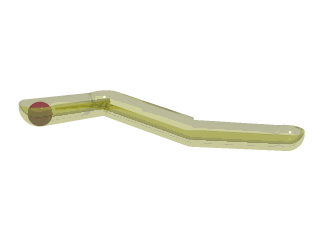 |
Ball_on_a_spline.zip 4k
Ball_on_a_spline.bsp Bishop3d 1.0.0.6aRender with 31 frames |
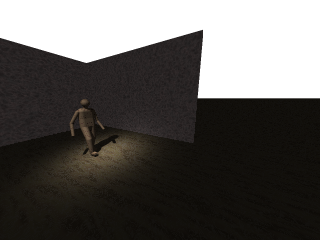 |
Person.zip 6kb
Person.bsp Bishop3d 1.0.0.6aRender with 51 frames |
|
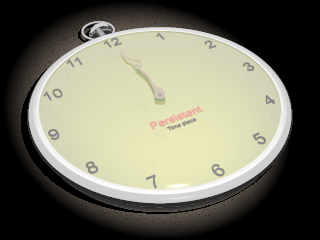
Pocket_watch.zip 6kb
Pocket_watch.bsp Bishop3d 1.0.2.0
Render with 60 frames |
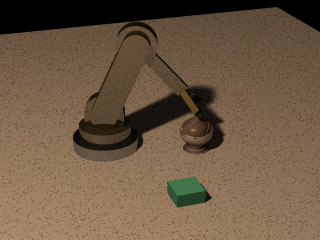 |
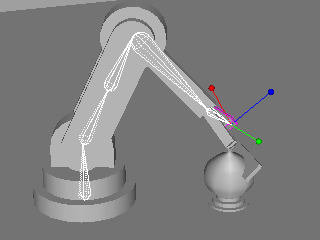
Test scene for Inverse Kinematics in an
animation. The bishop chess piece was translated along a spline. IK was then
used to match the end of the robot arm with the chess piece as I stepped
though the animation.
Test_IK_animation.zip 4kb
Test_IK_animation.bsp Bishop3d 1.0.2.0
Render with 61 frames.
Resulting output from TMPGEnc_a, MPEG-1 320x240 30fps CBR 1150kbps
Test_IK0001.mpg 295kb |
Creating an mpeg-1 movie with TMPGEnc

| Program |
Version |
Purpose |
|
TMPGEnc_a
Trialware, 30 days |
2.524.63.181 |
Video encoding |
Make/view MPEG movies.
Combine 2 or more pictures (bmp\tga) from bishop3d into a mpeg movie.
Get the png plugin (vfpng.vfp)and use png for the input files. |
Bishop3d 1.0.2.5b
TMPGEnc_a 2.524.63.181
vfpng.vfp plugin
Search the POV-Ray news groups for vfpng. I've only been
able to get the full zip file with a news reader, and not the web interface to
the news group.
When opening TMPGEnc, if you get an error message,
rename the 'CurrentCfg.tpr' file, and restart the program.
~For 'Video source:' browse to the first image in the sequence, example:
Myscene0001.png
~For 'Stream type' select 'System', video or video+audio. Does not seem to
matter if no audio is selected.
~For 'Output file name' browse to a folder to save and give a valid filename.
You can now select 'Start' and a mpeg-1 file is created.
Go to File/Preview to see the animation.