|
Summer Class
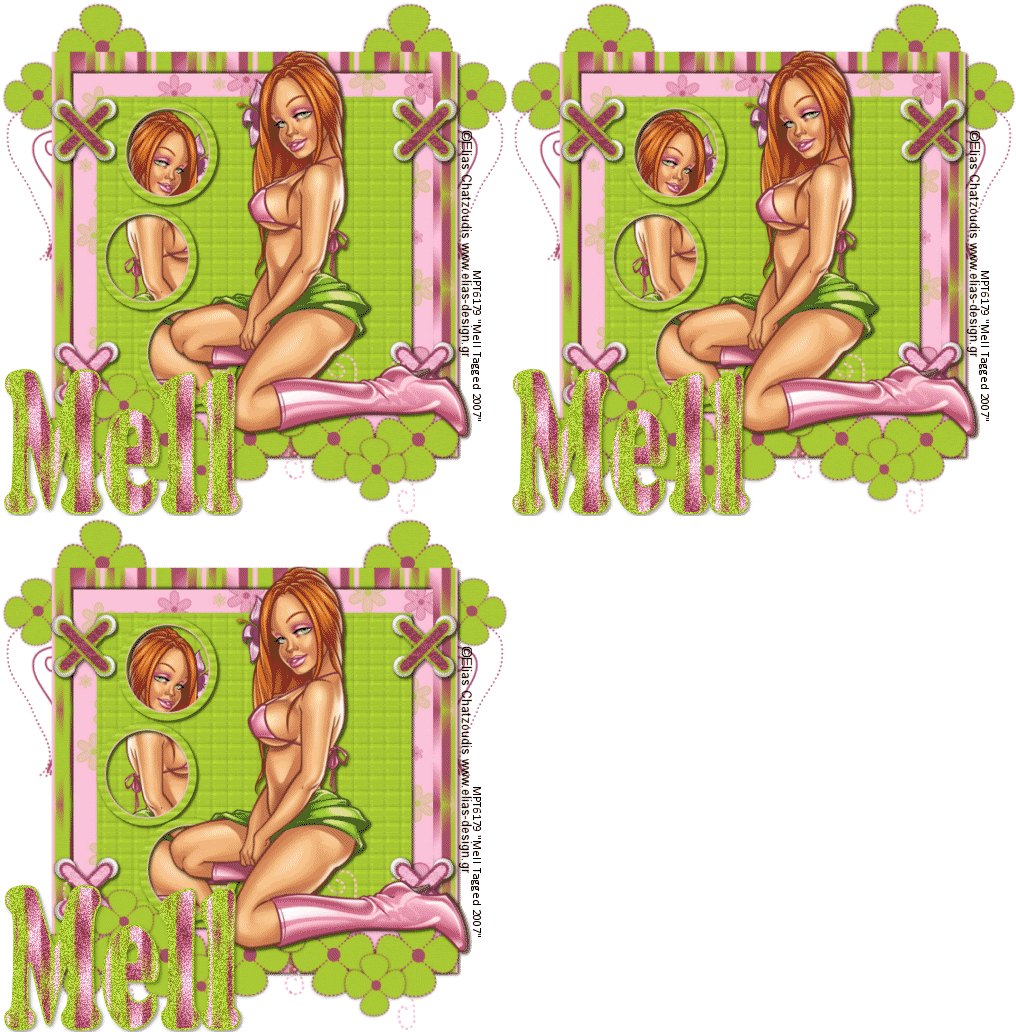
Tools needed
PSP- I used V8 but it should work with all.
Animation Shop(Optional if using the DSB Flux Noise)
Plugin-DSB Flux-Noise(Optional)
Tube of choice-I used the wonderful work of Elias Chatzoudis.You can view his work
at his site elias-design and purchase his art
from MyPSPTubes. Please note Elias is a PTU artist.Please do not use his work unless you have a license to do so.
Font of choice
Scrapkit-Lime and Pink and can be downloaded HERE. It is the 13th one down.
Scrapkit is used with permission from Twinky at Twinky Dezines.
Lets get started!
1. Open up all supplies in paintshoppro including your tube.
2.Open up a new image 550 x 550, Flood fill with white.
3. Copy and paste a paper of choice as a new layer, resize 90% all layers UNCHECKED.
4. Copy and paste another paper of choice resize by 80% all layers UNCHECKED
5.Copy and paste a third paper of choice,resize by 70% all layers UNCHECKED.
6.Open up the stiches and copy and paste your choice of stitch. resize add position..Duplicate and mirror..
7.Repeat step 6 but this time copy and paste the other stitch
8. Open up the flowertring and copy and paste as a new layer, resize if needed and position.
9.Copy and paste circle frame of choice. Resize and duplicate 2 times for a total of 3 circles. Position
10.Merge visable the 3 circles..Using your magic wand click inside each one and Selections,Modify, expand by 5.
11. Copy and paste your tube as a new layer, resize,move the tube under the circle frame layer and position.
12. On your circle frame layer, Selections invert, On your tube layer hit delete.
13. Click on your white layer. Copy and paste flower doodle, position, layers duplicate and mirror.
14. Copy and paste your tube. Position
15. Add your �Info and watermark
16. Now for the text..Background pattern of choice(i used one of the papers from the scrap kit) foreground black, size 72, width-2.0 and i used the font FranklinGothic.
17. If you want to use noise on your text follow the steps below. If not continue on to step
18. On your text layer, Select all,float defloat. Layers duplicate 2 times for a total of 3 text layers.
19. On the first text layer, DSB Flux-Bright noise 15 setting Mix
20.2nd text layer repeat above step but click mix once
20. 2rd layer-repeat above but click mix twice, Selections select none.
21. Hide the 2nd and 3rd text layer, edit copy merged
22.Paste in animation shop as a new layer
23. Repeat steps 21 and 22 with the 2nd and 3rd layer
24. In animation shop,file save as,
25. View
26. Your done.
Thankyou for trying my tut.
This tutorial was written on the 12th November 2007 by Mell aka Babylicious36. This tutorial is written using my imagination and is in no way copied from any other tutorial. Please do not Steal.. You may print this out for future use.
This page was assembled by Mell aka Babylicious36
Artwork �Elias Chatzoudis www.elias-design.gr MPT6179 | 