|
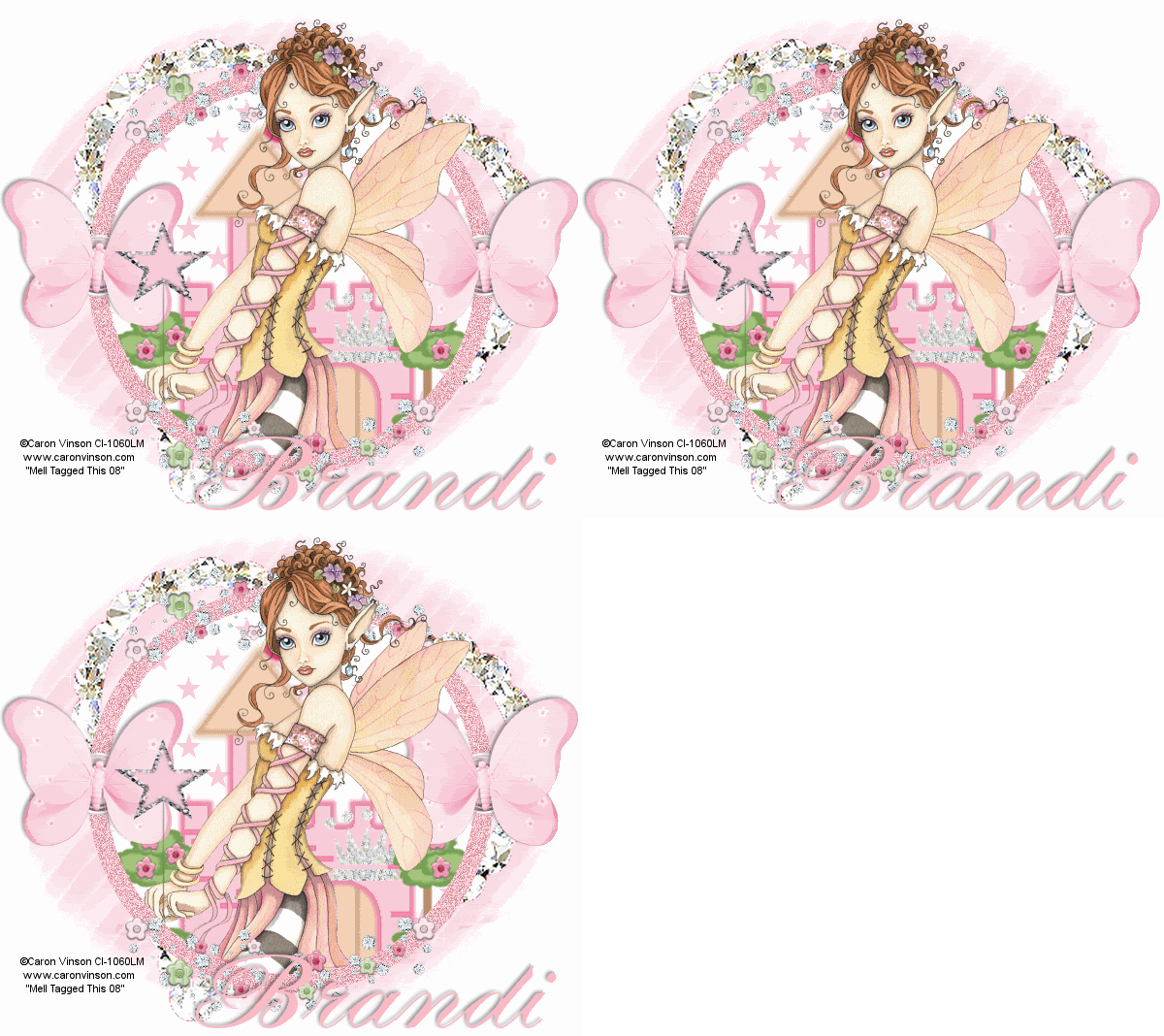
Pink Princess
Tools needed
PSP- I used version 9 but it should work with all.
Animation Shop
Filter/s-VM Natural-Sparkle and DSB Flux-Noise
Tube/s of choice- I used the work of Caron Vinson who is a PTU artist at CILM. You MUST have a license to use her work.
Scrapkit- Fairy Princesswhich was made by Brandi and can be found
HERE(Its under March). Yes it is a PTU Kit but that doesnt necessary mean you have to buy it. You may improvise which isnt that hard
Mask/s of choice
Font/s of choice
Ok.Lets get started..
1. Open a new transparent image 600 X 600 and flood fill with white
2.Open up a paper of choice and copy and paste as a new layer
3.now open up your mask and go to layers, new mask layer from image and select your mask and hit ok, delete the mask layer and merge group.
4. Select your circle preset shape, foreground color of choice, background null and a width of choice and draw out a circle to size of your choice. position and conver to raster.
5.Magic wand inside of your circle, selections modify expand by 5 and copy and paste a paper of choice as a new layer, selections invert on circle and hit delete on the paper layer,select none
6..If using the same kit as me, magic wand inside of the circle again, selections modify expand by 5 and copy and paste the princesscastle as a new layer, position it inside your circle,selects inver on circle layer and delete on castle, select none
7.Up up the crystal heart, resize by 150% and paste as a new layer, move in above the mask layer.
8.Add any embellishments. I added a wand and the flower bling, plus i added the crystalcrown and place it on the castle.
9. Select your mask layer and go to select all, selections float and defloat and duplicate two times for a total of 3 layers.
10. On the first layer go to VM Natural Sparkles and use the following settings.

11. On the 2nd layer, repeat the settings but change the random seed to 154. repeat on the 3rd layer changing the random seed to 169. select none and hide the 2 duplicate layers.
12. Magic wand on your circle border, and duplicate 2 times for a total of 3 layers.
13. On your first layer go to DSB Flux-Noise and use 42 MIX.. repeat for layer 2 but hit mix 2 times and then on layer 3 hit mix 3 times. select none. Hide the 2 duplicates
14. Add your �Information
15. Add your name and any wordart of choice.
16. Crop and resize if needed
17. Edit copy merged and paste as a new animation in animation shop,
18.back to psp, hide the first layer of both your mask and circle and unhide the 2nd layer on both, edit copy merged and paste after current frame in animation shop.
19. back to psp, hide both middle layers and unhide 3rd layer on both circle and mask. edit copy merged and paste after current frame in animaiton shop
20. View Animation, If you are happy with what you see, file save as and follow the prompts.
YOUR DONE!
This Tutorial was written on the 12th April 2008 by Mell aka Babylicious36
This tutorial is written using my imagination and is in no way copied from any other tutorial. Please do not Steal.. You may print this out for future use.
This page was assembled by Mell aka Babylicious36
Artwork �Caron Vinson www.caronvinson.com CI-1060LM | 