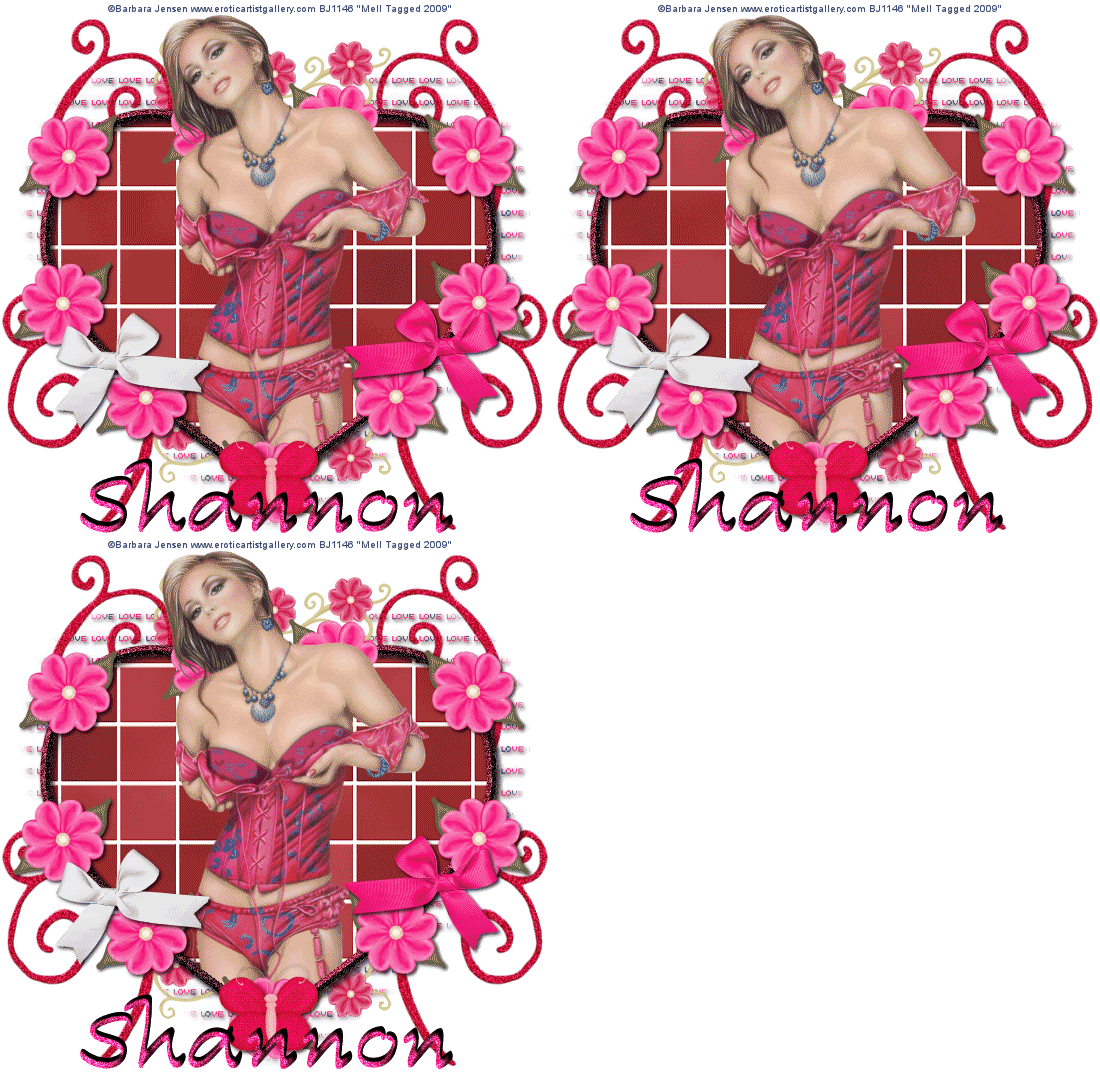
Lets get started!!!
1. Open a new image 550 x 550 and
flood fill with white.
2. Select your preset shapes and
choose a heart preset shape with a width of 10.00
foreground colour of choice and background null
3. Draw out a reasonable size heart
and convert to raster.
4. Move it down the image a bit.
5.Magic wand inside of your heart and
copy and paste your tube as a new layer.
6. On your heart layer go to
selections invert, and on your tube layer erase the
bits that are hanging over the edge at the bottom
and select none.
7.Magic wand inside of your heart and
duplicate 2 times. On your first layer use the
following Eye candy 5 Texture-Brick wall settings
(change brick colour to colour of choice)
8. Repeat for the 2 duplicates but
change the random seed. Select none and hide the
duplicates
9.Now magic wand the heart preset
outline and use the following Eyecandy Impact Bevel
Settings. Select None when finished
10.Give your heart outline a drop
shadow of 2,2,80,5.00 Black
11.Now add some embellishments of
choice, I used a flower (duplicated many times and
placed around the heart) I have also used some bows,
a butterfly and some doodles.
12. Layers, new raster layer and flood
fill with paper or colour of choice.
13. Layers, load mask from disk,
select mask of choice and click okay
14. On your layers palette delete mask
layer and merge group. Move this layer to the bottom
above the white background
15.Give your mask a drop shadow of
2,2,80,5.00 Black
16.Add any text or wordart of choice
17. Add �Information..
18. Edit copy merged and paste as a
new animation in animation shop.
19.back to psp, hide the first heart
layer and unhide the 2nd layer, edit copy merged and
paste after current frame in animation shop
20.back to psp, hide the 2nd heart
layer and unhide the 3rd layer, edit copy merged and
paste after current frame in animation shop
21. View Animation and file save as.
This Tutorial was written on
the 16th January 2009 by Mell aka Babylicious36
This tutorial is written using my
imagination and is in no way copied from any other
tutorial. Please do not Steal.. You may print this out
for future use.