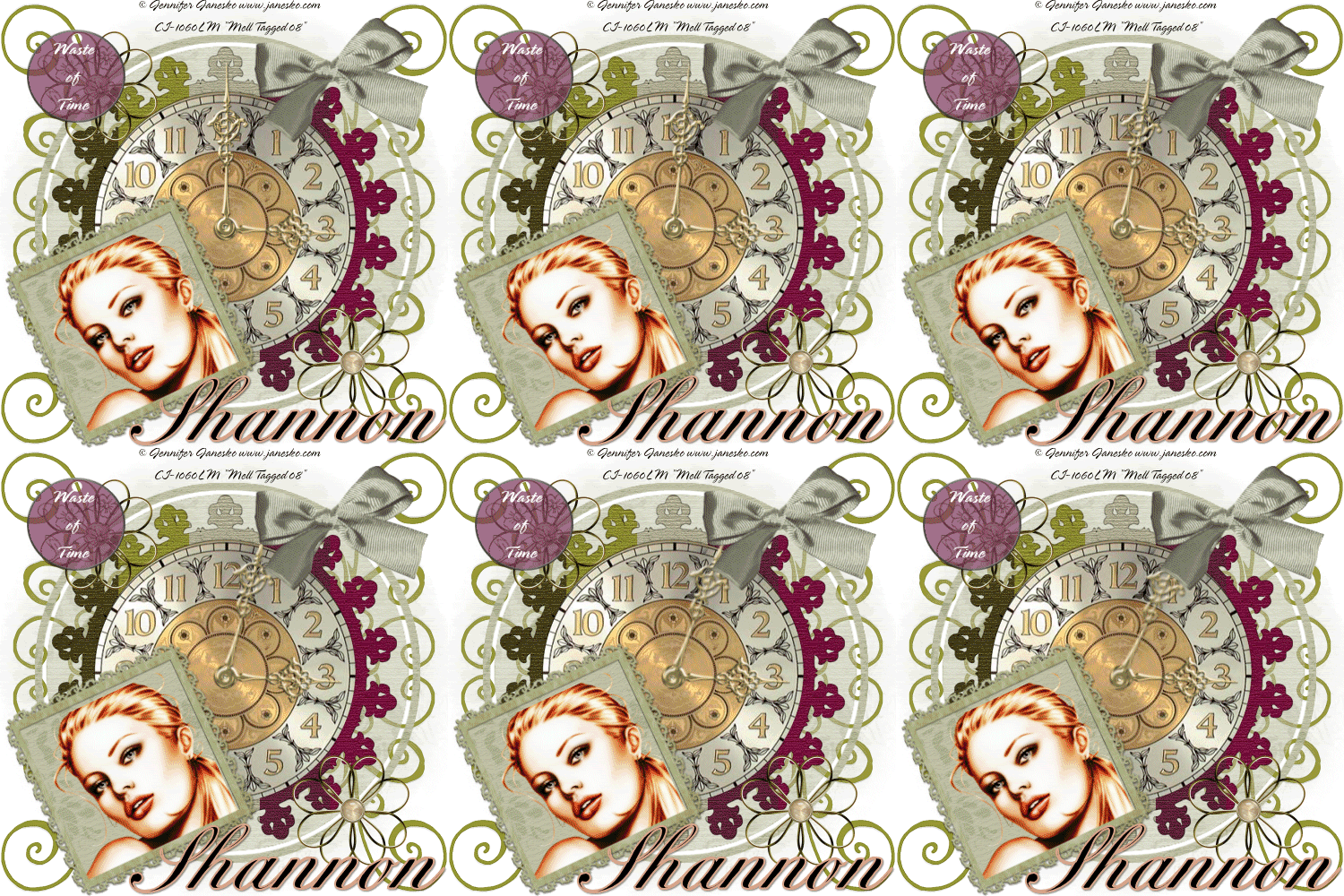
Let's Start Shall We!
1. Open a new transparent image 500 x 500 and floodfill with white.
2. Copy and paste the deco frame as a new layer. Resize by 45%
3.Copy and paste your clock face of choice as a new layer and resize by 85%
4. Magic wand inside of your frame, selections, modify, expand by2
5.Selections invert and hit delete on your clock face layer. Select none and move the clock below.
6. Copy and paste your clock hands as new layers and resize, position on your clock
7. Open up a frame of choice, resize, Magic wand inside, selections, modify expand by 2
8. Copy and paste a paper of choice as a new layer,resize, move below the frame
9.On your frame layer, go to selections invert and then hit delete on the paper layer, Select None
10. Open up your tube of choice as a new layer, resize if necessary
11.Magic wand inside of your frame again, Selections, modify expand by 2
12.Copy and paste your tube as a new layer and position. On your frame layer, selections, invert and hit delete on your tube layer. Select none
13. Merge visable your frame,paper and tube, rotate left 25 degrees and place at the bottom of your tag to one side
14. Add some embellishments of choice, I used a bow,the gold flower and one of the doodles.
15.I duplicated my doodle and mirrored it then duplicated again and flipped it and the duplicate, mirror again
16. Add your name and any wordart of choice
17. Add your �Information and any licenses you may hold
18.Edit copy merged and paste as a new animation in animation shop
19.back to psp, making sure your on your large clock hand, rotate right 5 degrees, edit copy merged and paste after current frame in animation shop
20.Repeat Step 19 a few times. I did 6 frames for mine. Select all, and change your frame properties to 50
21.View Animation and if your happy, file save as