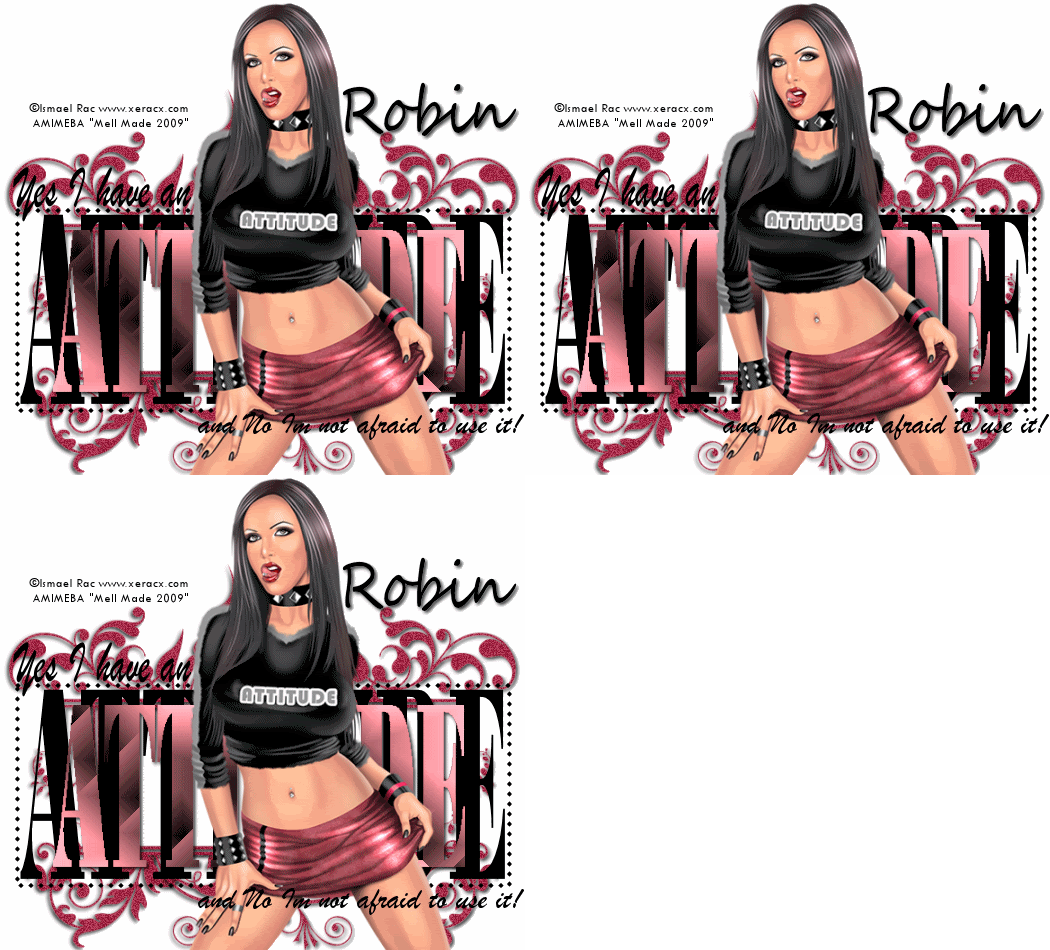
Lets get started!!!
1. Open a new Image 525 Width x 475
Height
2. Select your rectangle preset shape,
Line Style-Diamond, Foreground Black and background
Null.
3. Go to View and make sure you have
rulers marked as we will be using this..
4. Draw out a rectangle 200 height by
500 width, objects align centre in middle of canvas
and cover to raster.
5. Move this rectangle so it sits
about 3/4 of the way down the image.
6. Select your font tool, font Bodoni
MT Black, Size of choice, foreground Null,
Background Black, Stroke width 0.0
7. Type out the word ATTITUDE in
capital letters, and pull the sides out so they fill
the rectangle, convert to raster.
8. Magic wand inside each letter,
Layers new raster layer and flood fill with color
from tube. Select none and resize by 85%
9. Drop shadow 2,2,80,5.00 Black
10. Position this layer in the middle
of the original. Select all, float and defloat
11. Duplicate two times and on the
first layer use the following two moon-dreamulator
settings
12. Click on the 2nd layer and use the
following dreamulator settings
13. Click on the 3rd layer and use the
following dreamulator settings
14. Select none and hide 2 of the
layers.
15. Select your font tool again, font-
Brush Script MT, Size of choice color Black, type
out the words "Yes I have an" convert to raster and
position to the top left of the rectangle, then type
the words "and NO I'm not afraid to use it" convert
to raster and postion bottom right.
16. Layers, new raster layer and flood
fill with color of choice.
17. Layers, Load Mask layer from disk,
select mask and click okay
18. On your layer palette, delete mask
layer and merge group, move this layer to the bottom
above the white background
19. Duplicate and mirror, merge down,I
then added some noise to my mask
20. Copy and paste your tube of choice
as a new layer, and position. drop shadow
2,2,80,5.00 Black
21. Now add �Information, please make
it visable.
22. Add name of choice.
23. Edit, Copy merged, open animation
shop and paste as a new animation
24. Back to psp, hide the first
attitude dreamulator and unhide the second, Edit
copy merged and paste after current frame in
animation shop
25.Back to psp, hide the second
attitude dreamulator and unhide the third, Edit copy
merged and paste after current frame in animation
shop
26. In animation shop, select all,
animation frame properties and change to 25, or
setting of choice
27. View animation and if your happy,
file save as.
Your Done!
This Tutorial was written on the
18th July 2009 by Mell aka Babylicious36
ALL TUTORIALS ARE REGISTERED WITH
TWI.
This tutorial is written using my
imagination and is in no way copied from any other
tutorial. Please do not Steal.. You may print this out
for future use.
This page was assembled by Mell aka
Babylicious36
Artwork � Ismael Rac
www.xeracx.com
AMIMEBA