DIG and host
The dig and host commands work very similarly. We use DNS to translate hostnames into Internet addresses. We did this by typing the host command followed by the DNS address in the Linux command line. The system then gave us the corresponding IP addresses and any aliases. The dig command also gives us detailed information about uh.edu and its corresponding IP address (129.7.235.44)
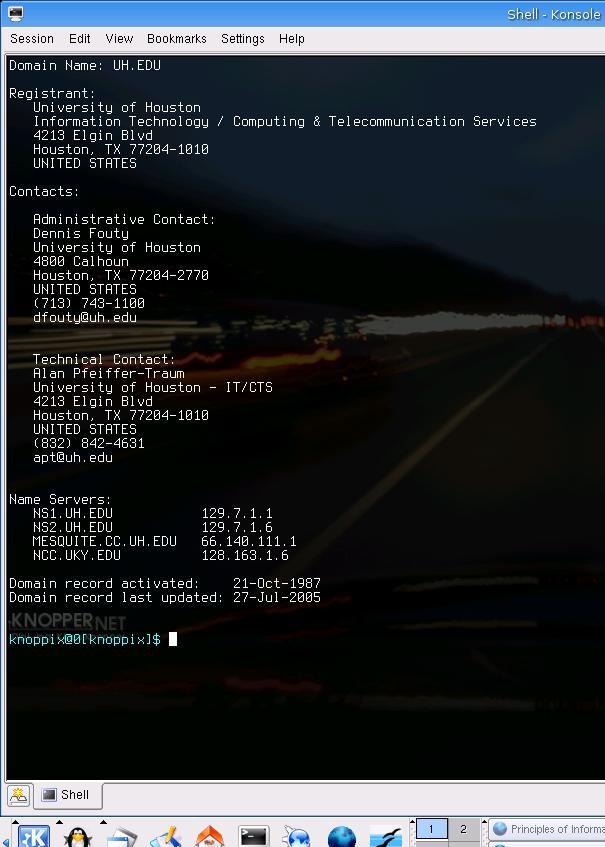
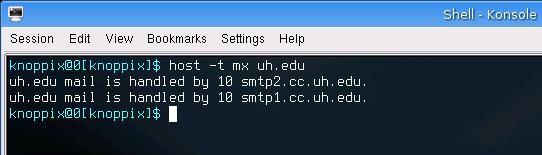
To find out information about the mail servers, I used the host command followed by –t (for type of query) and mx (for mail exchange):