Integrated 2000
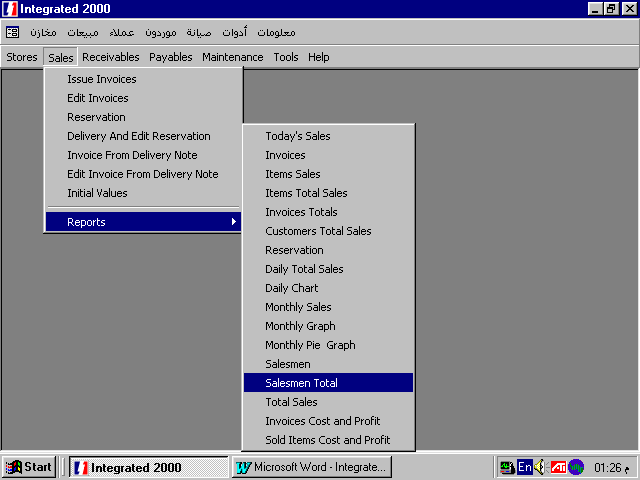
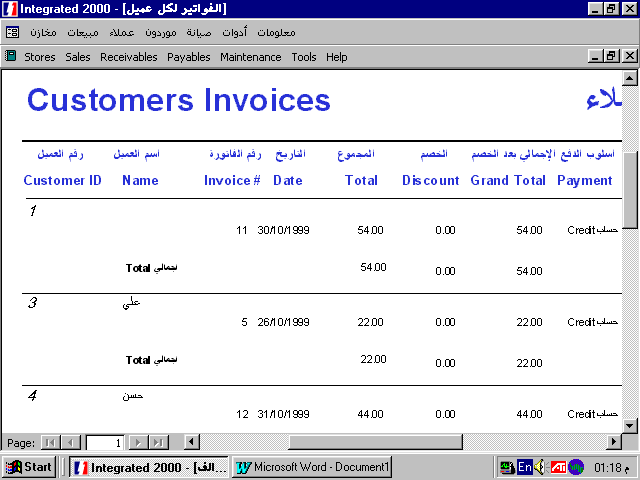
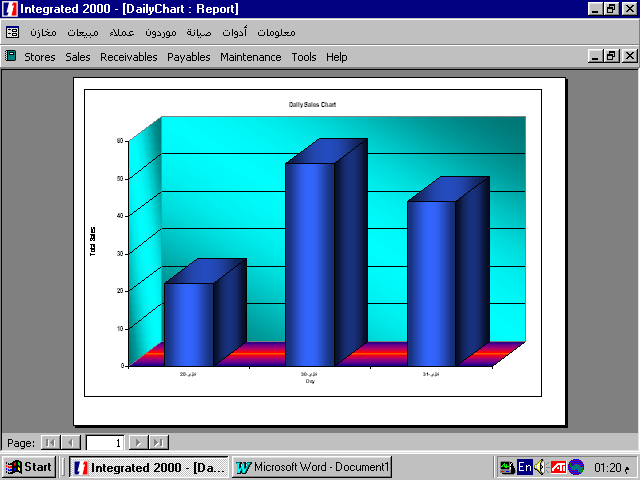
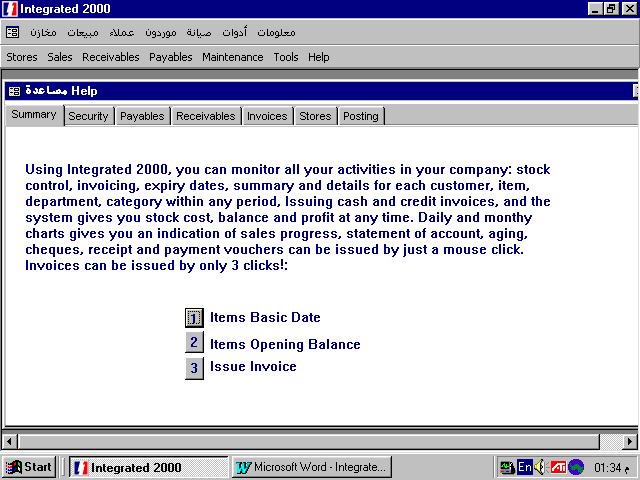
Using Integrated 2000, you can monitor all your activities in your company: stock control, invoicing, expiry dates, summary and details for each customer, item, department, category within any period, Issuing cash and credit invoices, and the system gives you stock cost, balance and profit at any time. Daily and monthly charts gives you an indication of sales progress, statement of account, aging, cheques, receipt and payment vouchers can be issued by just a mouse click. Invoices can be issued by only 3 clicks!:
������ �� ������ ������ ��� 50 ������ ���� ���� ������ ������� ���� ������ �� ������ ������� � ���� ������ � ����� � ������ ������ ������ ������� ����������� � ������ �������� �������� �������� � �����ɡ ������ � �������� ����� ����� ���� ������ � �� ����� ���� ���� �� ���� � ����� �������� � ������� ��� ��� ����� �� ������� ����������ǡ ����� ����� ������� ������ �������� ���� ���� ���� �������� � ��� ���� ������ � ����� ����� � ����� ������� � ����� ����� � ����� � ��� ��� ����� ������ ��������� � ��� ������ ���� ����� ������ � ����� ���� �������� ���� ���� ����� ���� �� ��������� ����������� � � ���� ������ ������ �� �������� �� ��������� � ���� ����� ������� � ������� ���� � ��� ���� ����� �������� ��� ����� ����� �������� � ����� �������� �� 3 ����� ���!
You can enter 3 different prices for each item, and in whole sales, you can enter the number of boxes in cartoon, and the number of pieces in box, the price will be the price of cartoon.
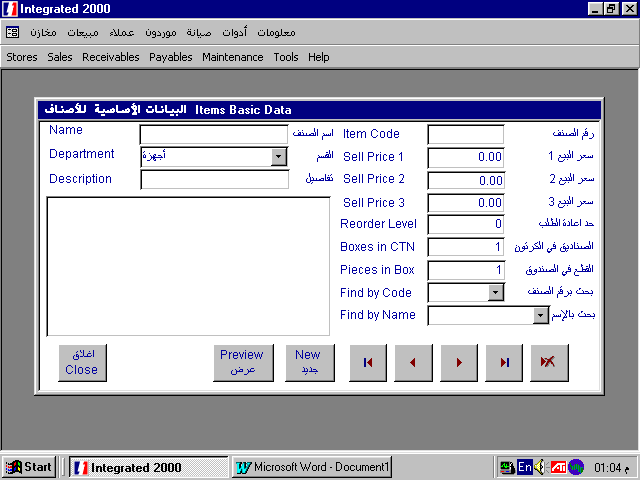
����� ����� 3 ����� ������ ��� ��� � ���� ���1 ������ ������ � � ���2 �������� � ������� ������ � ����� � ��� ���� ��� ������ � ����� ����� ��� �������� �� ������� � ��� ����� �� ������� � � ���� ����� �� ��� �������
You can enter an infinite number of departments (Or categories) to the system, and the system codes it automatically.
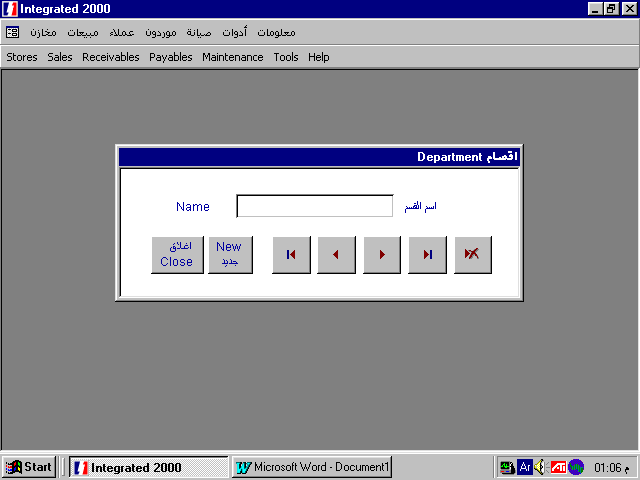
�� ���� ���� ���� �� ��� ���� ����� � ����� ����� ��� ������� ��� ������ � ��� ������ ��� �� ����� �� ������� � ���� ������� �����������
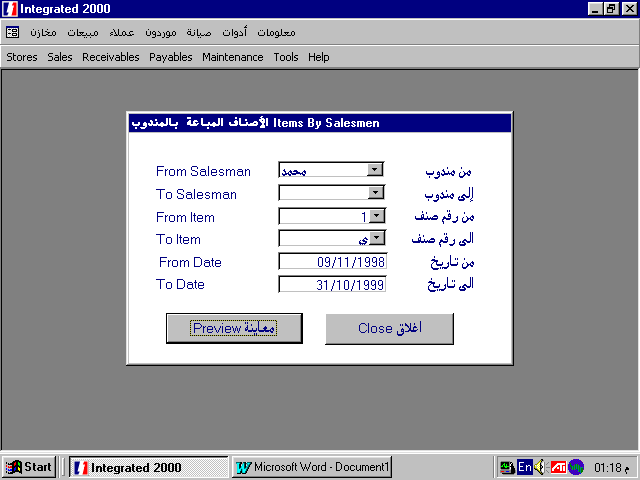
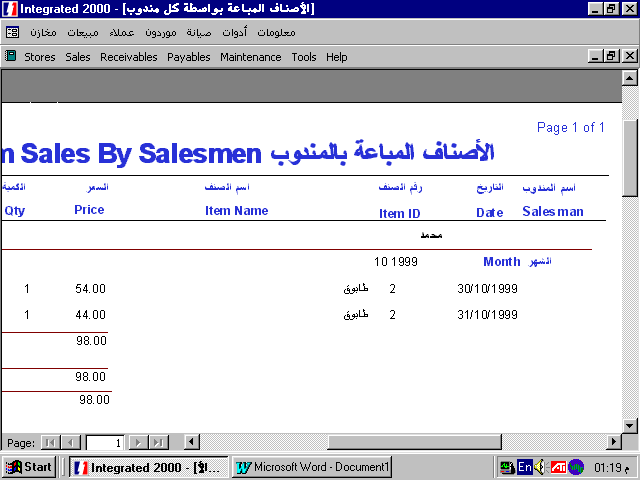
You can enter any number of salesmen for follow up, detailed and summary reports for their sales can be extracted.
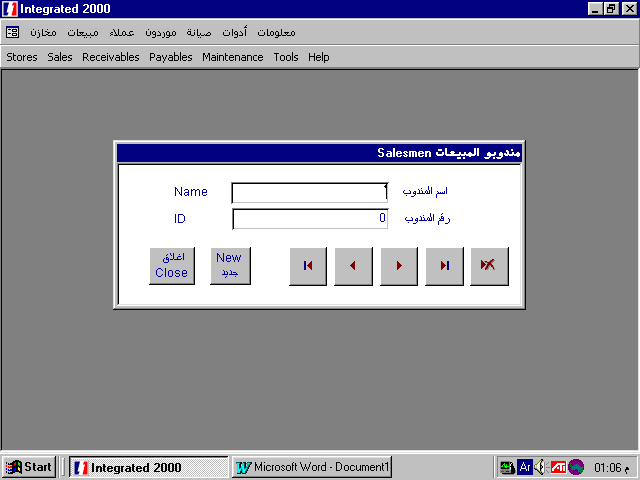
����� ����� ��� ������� �� ������ �������� ������� ������ � ������ ������ ��� ������ ������� � ������� ���������
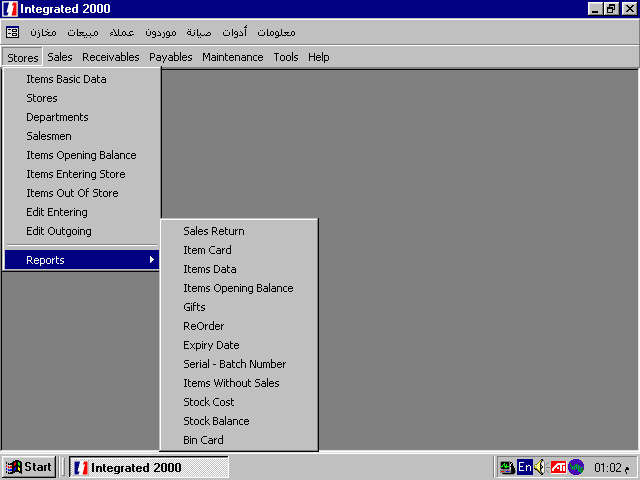
Any number of stores can be entered also.
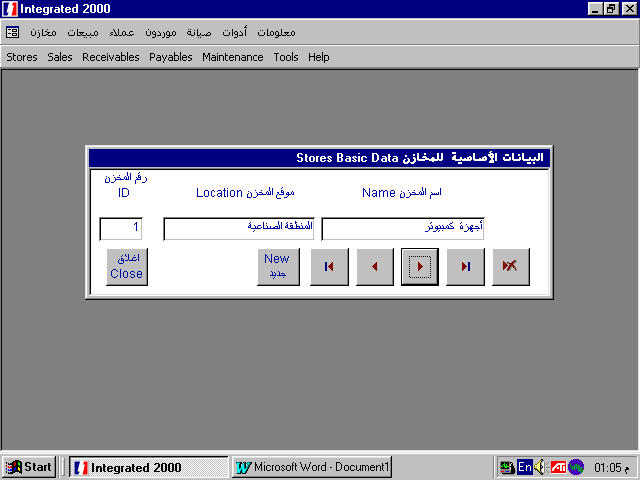
���� ������ ������ ��� �� ����� �� �������
When you start using the system, Opening balance of each item will be entered after stock taking.
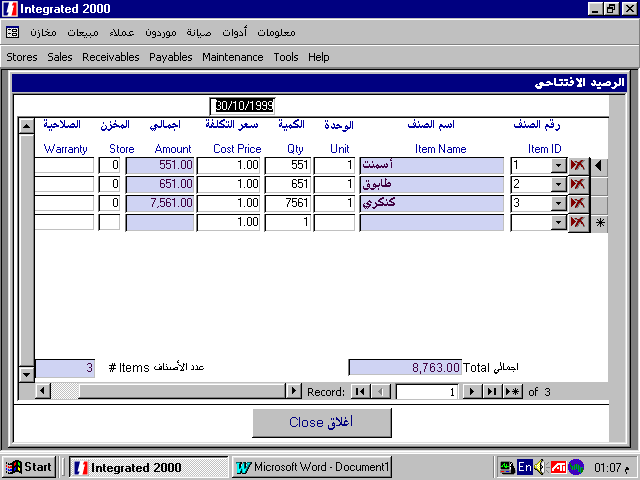
��� ����� ����� ������ ��� ��� ��� ������� � ����� ������ ��������� ���
Items are entered to store by means of purchasing, sales return, adjustment or transfer.
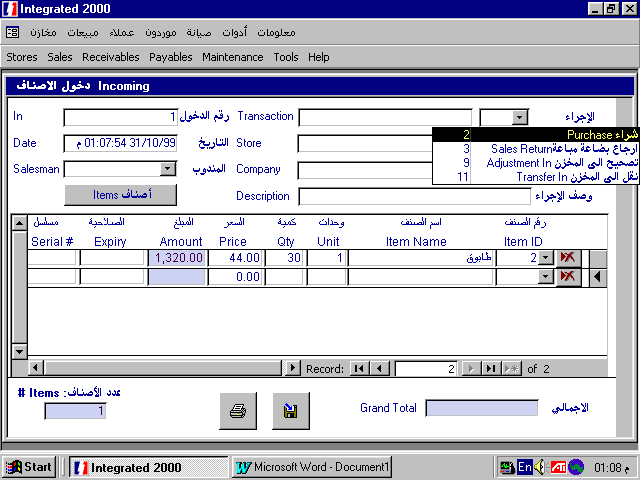
���� ������� ��� ������ ��� �� ���� ������ � ����� ����� ����� � ����� � �� ����� ��� ������ ���� �� ���� ���� ���� ��� �����
Item goes out of store by means of purchase return, gifts, bad stock, adjustment or transfer
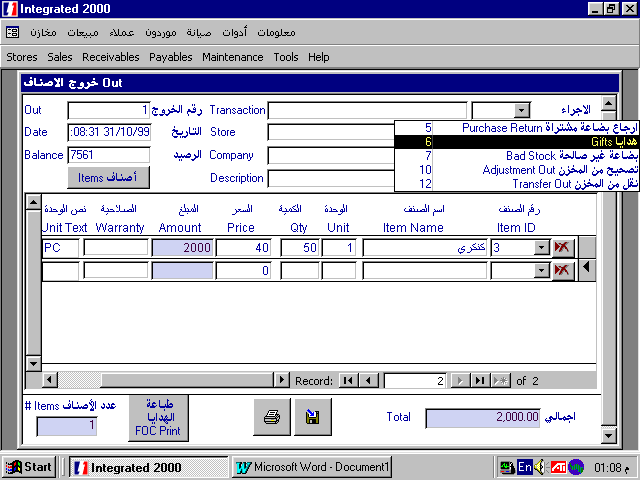
����� ���� ������� �� ������ ��� ������ ����� ������ � ����� � ����� ��� ����� � ����� �� ����� �� ������
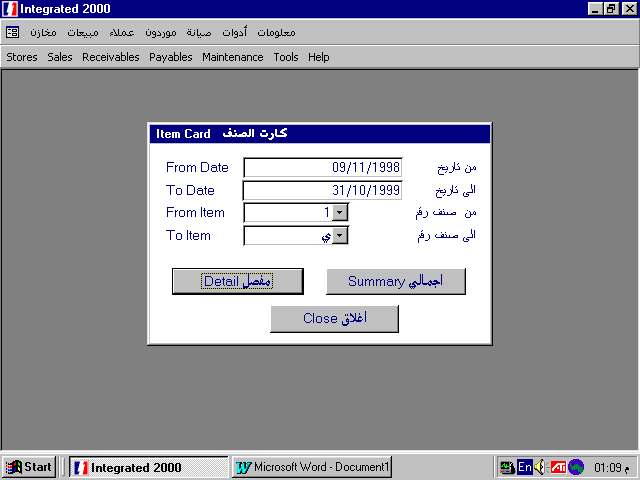
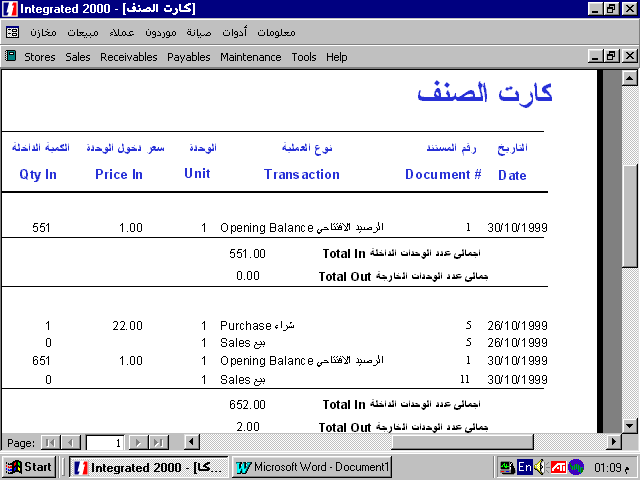
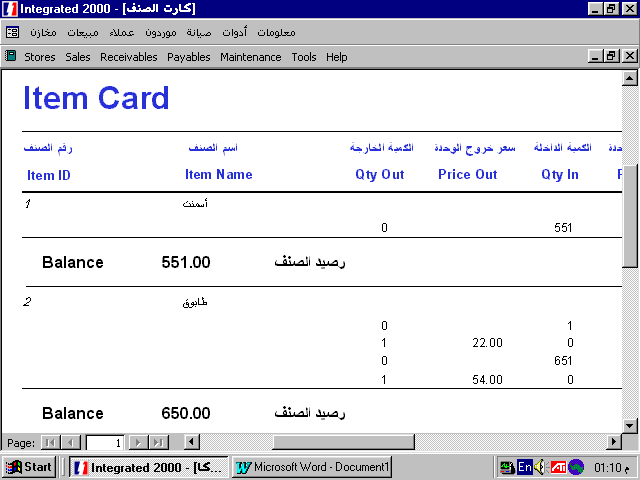
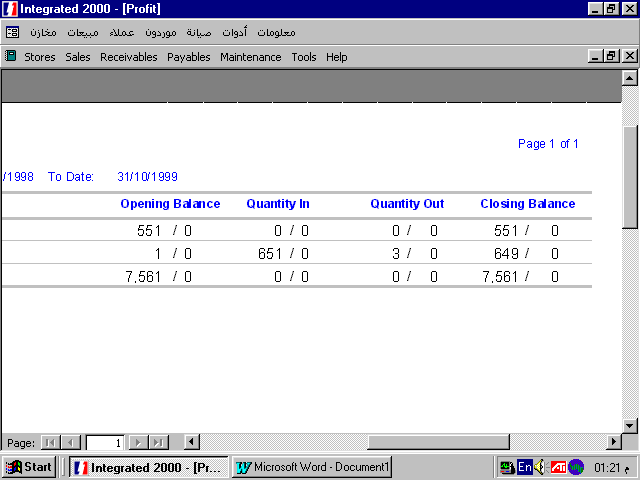
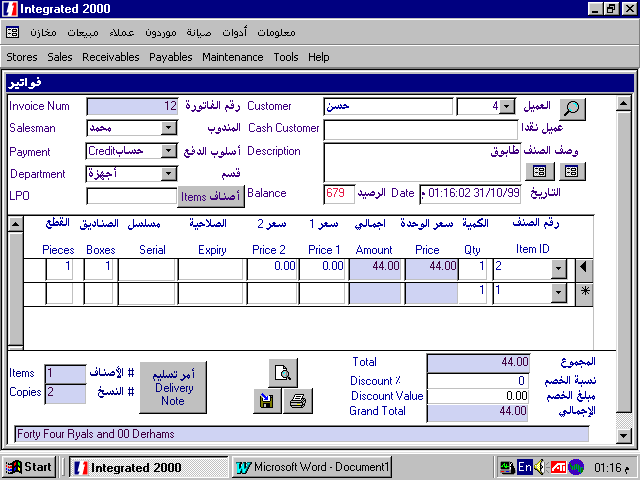
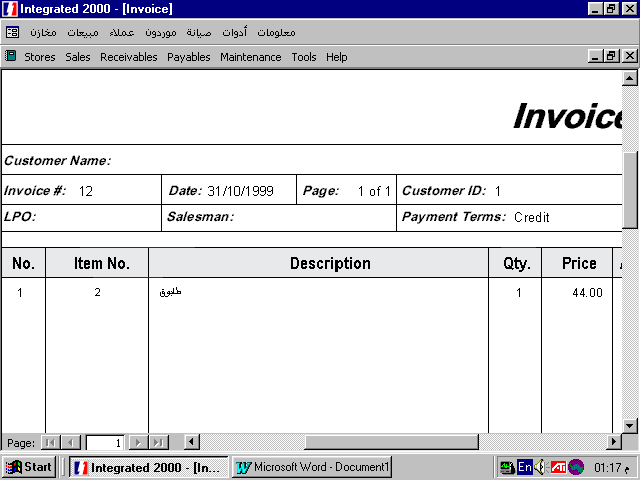
You can issue cash or credit invoices, in case of cash invoices, you can choose the item or type its number and price comes automatically, then click the total and the system finds the amount in words then you can print or save the invoice only be 3 clicks!
Invoice number and the date comes automatically, you can enter the name of the cash customer, choose the department so that only items belonging to that department appear in the list, when you choose the item, all its prices are displayed, just double click the price you want or type any other price. In case of choosing the expiry date, a list of all expiry dates of that item appears to choose from it.
In case of whole sale, number of pieces in box and boxes in cartoon appears, then you can double click number of boxes in cartoon and the systems calculates box price, similarly, double click the pieces in box to calculate the price of the piece.
To issue a credit invoice, choose the customer from the list or enter a new customer. Payment changes automatically to Credit, all credit invoices are reflected automatically in receivables.
����� ����� �������� ��� ���� �� ��� ������ � �� ���� ����� ������ ���� � ����� ������ ������ ��� ��� ����� � ������� � ����� ������ ����������� � ���� ����� 1 �� ������ � ��� ����� ��� �������� ���� �������� ��� ��� ������� ����������� � �� ����� ����� �������� ������ ����� ���� �� ����� �������� ������ ����!
���� ��� �������� ������ ����� ����������� ���� � ����� ����� ��� ������ �� ��� ���� ���� � ��� ����� ������ ����� ����� ������� ������� ���� ����� ��� �� �������� ������ ����� ����� �� ������� � � ��� ������ ����� ������� � ����� ����� ����� ������� �� ����� ����� ��� ��� 2 �������� � ��� ���� ���� ����� ������ ������ ���� ����� ������� ������ ������� ������� � ����� �������� ���� �� ����� ����� ����� � ��� ���� ����� ����� ������� ������ ����� ��� ��� ��� ������� ����� �� ������ � ��� ��� ���� ����� ���� ����� � ����� ��� �������� ����� ������ ��� �����.
�� ���� ��� ������ � ���� ��� �������� �� ������� � ��� ����� �� ������� � ���� ���� ��� ������ ����� ����� ��� �������� �� ������� ����� ������ ����� ��� ������� � � ������ ��� ���� ��� ���� ����� ����� ��� ����� �� �������
.��� ����� ������ ��� ������ � ��� ������ ������ ������� �� ����� ������� � �� ����� ���� ���� �� �� ����� � �� ������ ����� �����: ��� ������ � � ����� ��� ��� ������
� ����� ���� ����� ��� �������.
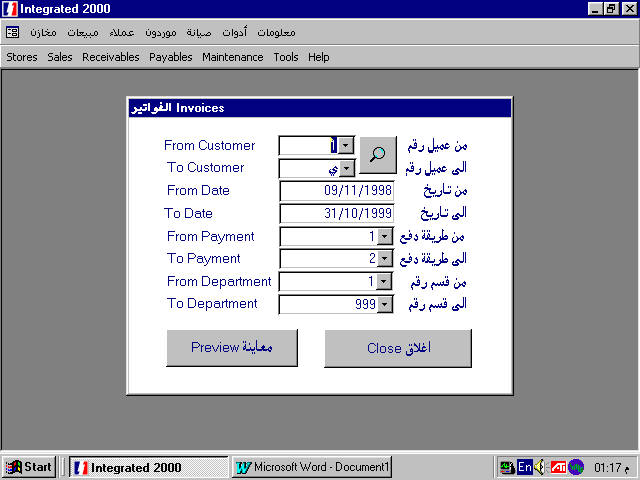
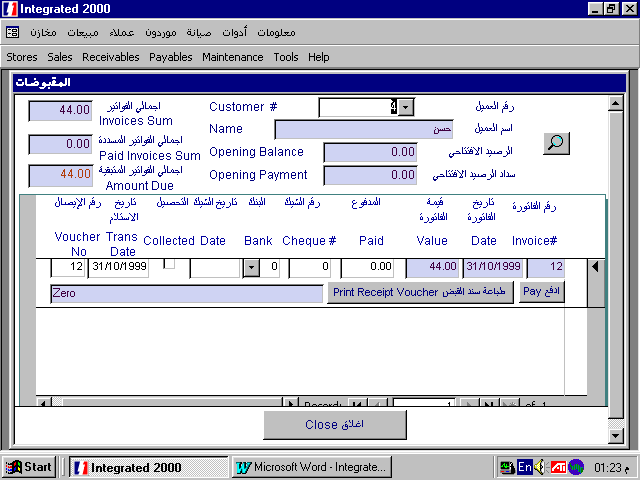
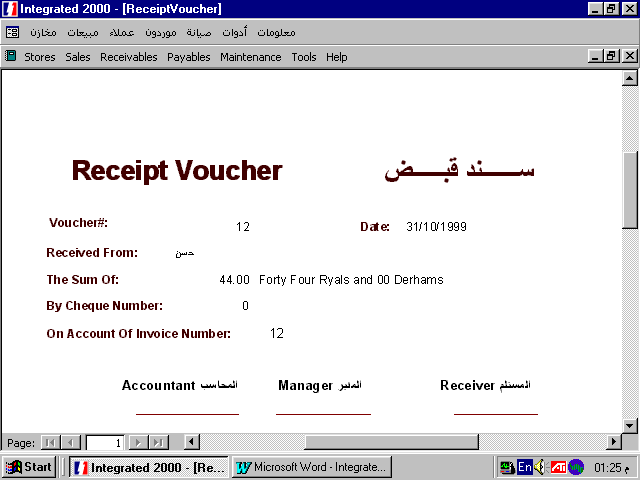
When you choose the customer, all his credit invoices are displayed, when he pays, click Pay button and the invoice value will appear in Paid field, you can also enter cheque data: cheque number, date, bank, and this date will remain until the cheque is collected. Click collected and the cheque will not appear again. You can also print receipt voucher.
��� ������ ������ � ���� ���� �������� ���� ���� �� ��� ������ � ���� ��� ������ ���� ������ �� � ���� ����: ���� ������ ������ ��� ��� : ������� � � ����� ����� ������ ����� : ��� ����� � ����� ����� � ����� � � ����� ���� ������ ����� ��� ������ ������ ��� ��� ����� ����� � ���� �� ����� ����� � ����� ��� ����� ��� ������� ��� ���� ����� ��� ��� �� ����� ����� ������ � ����� ���� ����� ��� ����� � ������ ������ � ���� ������ ���� ������ �������� ������� � �������� ����� ������� ��� ��� ����� ������� � ���� ����� ���� ���� ���� ���� �������� ������ ��� ������ ���
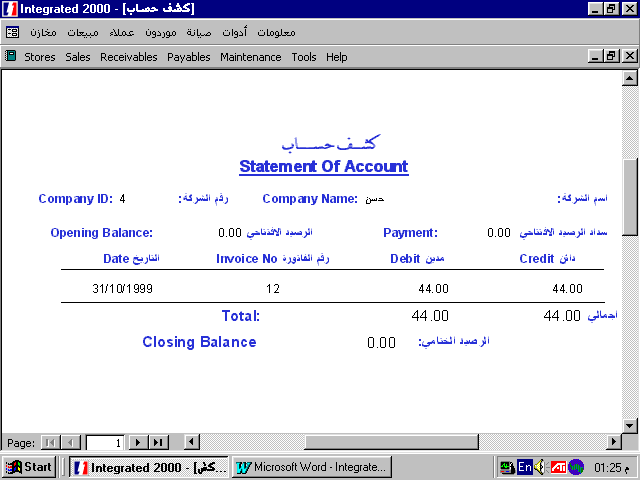
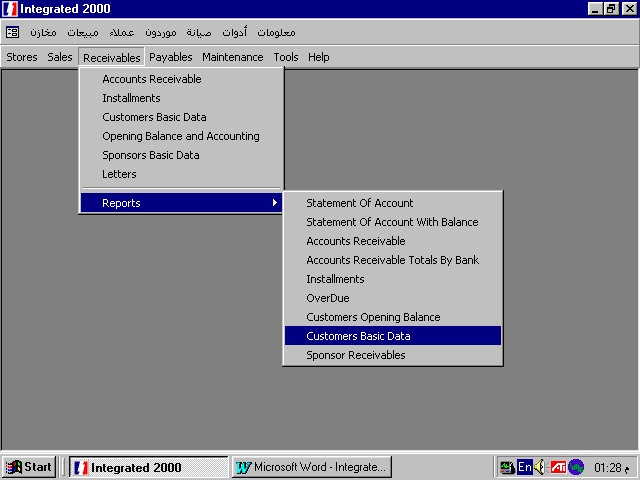
This report displays totals of invoices of each client, classified by date: current invoices, between 1 and 2 months, 2 and 3 months, 4 and 4 months and more than 4 months. The systems warns the user in case he tries to issue an invoice for a customer having invoices more than 4 months.
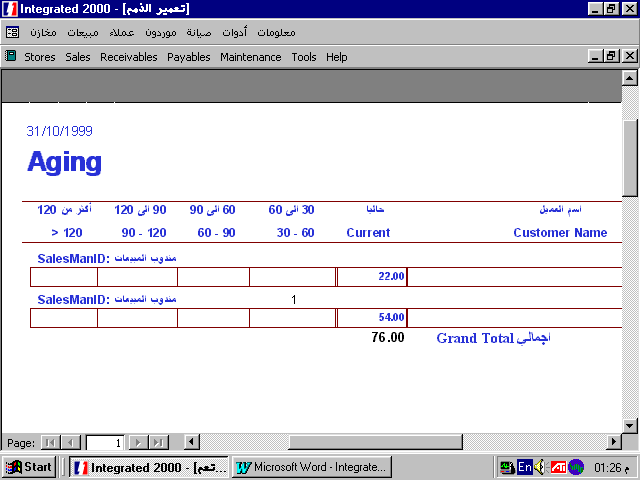
���� ��� ������� �������� �������� ��� ���� ��� ��� � ������� ����� �������� ���� ���� ��� ��� ��� ���� � ���� ��� ��� ����� � � ��� ����� ��� 3 ���� � ��� 3 ���� ��� 4 ���� � � ��� ���� �� 4 ���� � ��� ���� ������ ������ ��� ����� ������ ����� �� ���� ������� ��� 4 ���� �����.
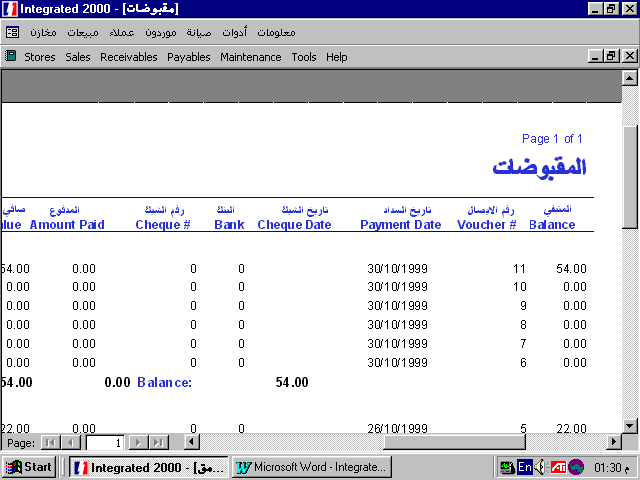
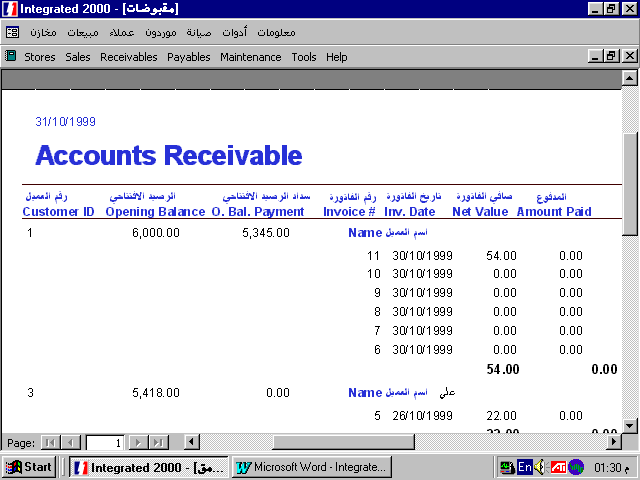
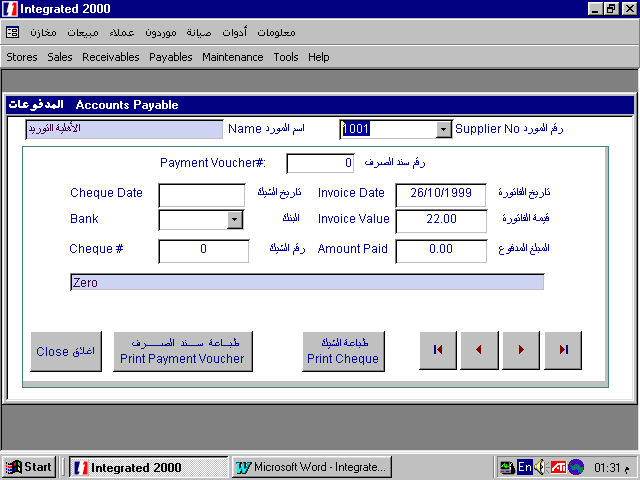
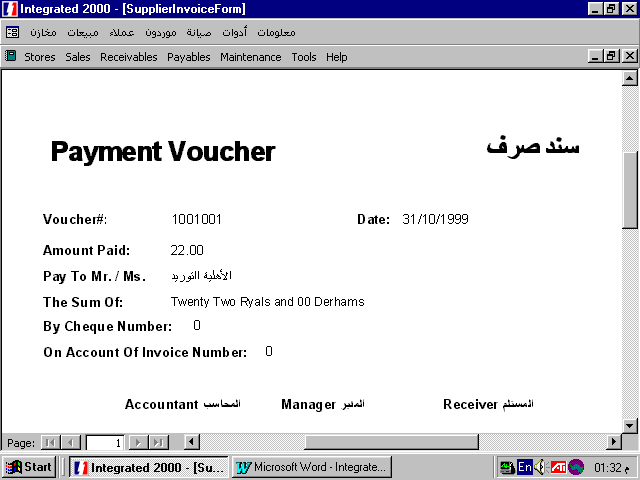
Suppliers invoices are grouped in Payables, where you can issue cheques and the system gives you the amount in words, you can also issue the payment voucher.
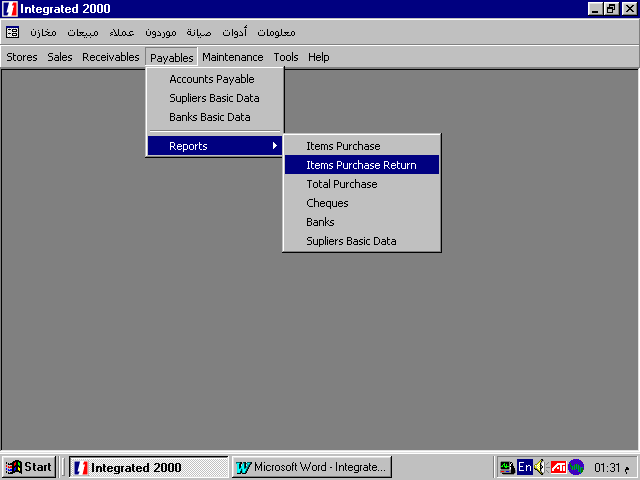
����� ������ ������ �� �������� ����������� �� ��������� � � ���� ����� ����� ����� ����� ������ ������ �� �������� � ��� ���� ������ �������� ���� � � ���� ����� ����� ��� �����
Levels Of Security :
User0 can access all parts of the program
User1 can access all parts of the program except editing invoices and design of invoices and cheques
User2 can only issue invoices
User3 can only preview and print reports
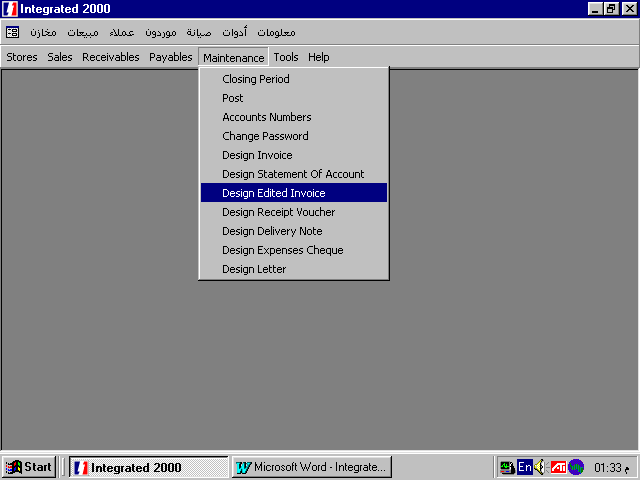
You can change passwords from Maintenance menu
���� ������� ��������� �� ������ � ����� �� ���������� ��������
:USER0
������ ��� ���� ����� �������� ��� �������USER1
������ ��� ���� ����� �������� ������� ����� �������� � ����� �������� ��������USER2
����� �������� ���USER3
������� � ����� �������� �������� ����� ���� ���� ���������� �� ����� �����