Paradise Island Project
Document Preparation
Your Objectives
Instructions
Font= Times New Roman, Font size= 20, Alignment= left
3. Type; Paradise Island offers glistening, white-sand beaches and swimming in crystal-clear waters.
4. Press the spacebar once and type, Recreational activities include surfing, SCUBA diving, snorkeling, sailing, and scenic hiking.
5. Press ENTER twice
6. Type an asterisk (*) and then press the spacebar.
a. Type, Paradise Island packages fit any budget, press the ENTER key (changes to a bulleted list)
b. Type; Cottages, suites, condos, and inns are available.
c. Press the ENTER key twice
7. Type, Call Tropical Travel at 555-2121
a. Press the ENTER key twice.
This is the end of the document.
Save the document as A:\Paradise Island
Announcement
1. Highlight Paradise Island/ Ready For A Vacation?- Center Text
2. Highlight, Paradise Island, change font size to 48, Change font to Algerian and bold.
3. Highlight, Ready For A Vacation?. Change font size-36 and bold.
4. Highlight “any” and underline.
5. Highlight, “Tropical Travel” and italicize and bold.
6. Center “Call Tropical Travel at 555-2121
7. Save document.
Inserting
images
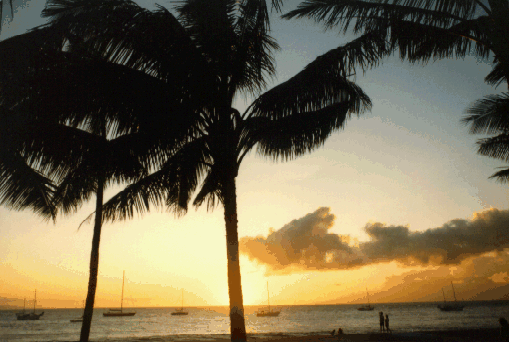
1. Press Ctrl + Home. Position the insertion point immediately below the headline, Paradise Island.
2. Click Insert, point to picture on the submenu, then click From File
3. Click on the Web button
4. In the address box type: www.geocities.com/ProfBill_wnec/Word/vacation.bmp
5. Right click on the picture of Paradise Island, and click copy, close the browser.
6. Be sure the insertion point is still immediately under the headline.
7. Click Edit on the menu bar, then click on Paste.
a. Click OK
Resizing the image
1. Click anywhere on the image.
2. Drag the sizing handle to make the outside border of the image equal in width to the heading.
3. Deselect the image and SAVE.
Making
Changes
1. Insert “beautiful” between the words, in and crystal
2. Save document.
3. Print document