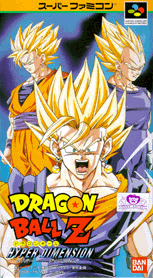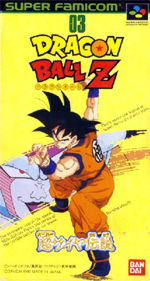
Any roms downloaded from this page must be deleted from your computer within' 24 hours of downloading unless you own the original game. I am not responsible for any activity you do after you download the game. Please be responsible and enjoy.
Click on the cover of the game you want to download and the download should begin instantly. After you download the game, unzip it using Winzip, and also download an emulator, either SNES9X or ZSNES.
Steps:
1. Download Game by clicking on cover, Do Not Unzip It...
2. Download either SNES9X or ZSNES, unzip and install it...
3. Go to your hard drive and create a folder called SNES games, put all of your Zipped games into this folder...
4. Open either SNES9X or ZSNES and go to file.... load game.... hard drive..... SNES games folder and open the game you would like to play
If you have any problems please e-mail me ( [email protected] ) or using AOL instant messanger, send me an instant message at Marvel587
In my opinion this is the better of the 2 emulators even though there is very little difference besides the name. I use this emulator and it is very good.
ZSNES - for Windows
I don't use this one but I have heard that it is very good also and works about the same.