|
 |
Edit
Menu : |
 |
|
|
|
|
 |
 |
location
: edit menu : payments |
 |
 |
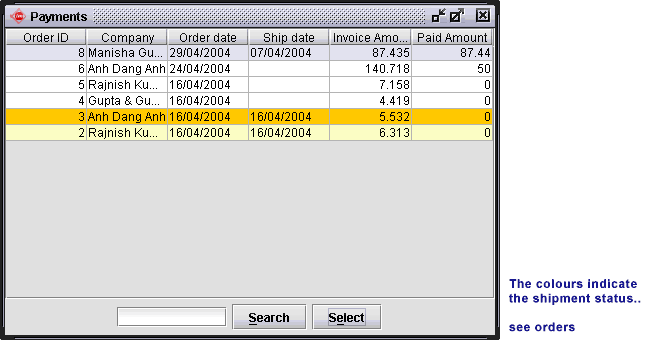
| Payments : |
| |
| This screen shows the "Total
Invoice Amount" and the "Amount Paid" by the
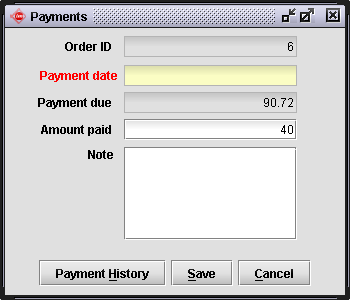
customer. To enter a new payment from a customer select or double
click on the respective payment. In the following screen you
can see the amount due from the customer. Here enter the payment
and date of payment. |
 |
 |
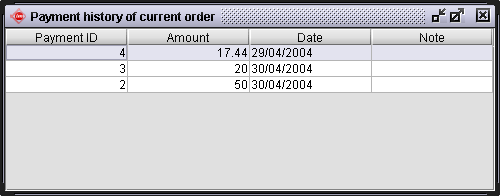
| You can also see the previous payments made by
the customer using the "Payment History" button. |
 |
|
 |
|