PROGRAM SCREENSHOTS

Here is a look at a few features of the program. Click on any of the thumbnail images to download a larger version.
|
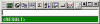
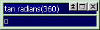
In the Main Window (shown here) input your expressions to evaluate on the top line, then press <enter>, and the result is displayed on the bottom line. |
The Main Window can can be "scaled down" so that the toolbar is no longer visible. |
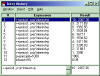
The Expression History Window shows all your previously evaluated expressions, which can then be copied or inserted back into the Main Window.
|
|
|
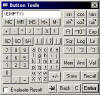
The Button Extension Window can be used for one-click calculations. |
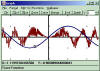
Graph and investigate your functions on the X-Y plane with the Graph Window. More Info. |
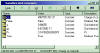
Store values to variables and use the Variables Manager Window to display, edit, and manage them. |
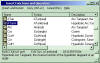
The Function Catalog shows all the functions and operations supported by the program.
|