������balance, contrast, unity, rhythm, and proportion.

Balance
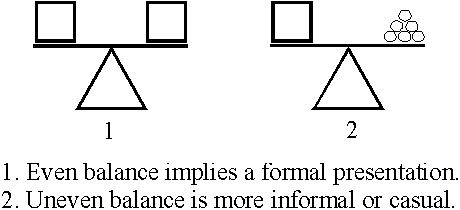
Balance refers to equalizing the weight of elements in a design. Formal balance is achieved when all of the elements on the page are of equal weight and are placed symmetrically on the page. If a line were drawn through the exact center, it would divide the design elements in half. Informal balance may be achieved when the value, size, and location of unequal elements on a page are changed.
Contrast
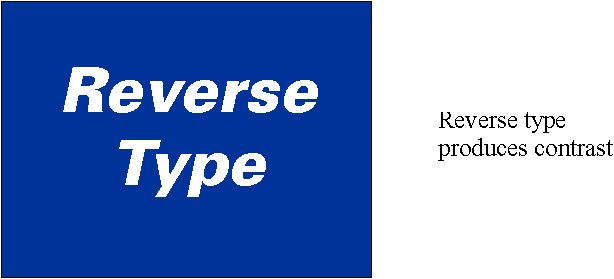
Contrast or emphasis adds variety to a design. It is the variations of elements in the printed product. Some elements of a layout stand out because of contrast. This is achieved by a difference in size, color or appearance. A few contrasts are: round and straight, ornate and plain, broad and narrow. Contrast can be used to keep the attention of the reader and to keep the reader's interest moving from one element to another.
Unity
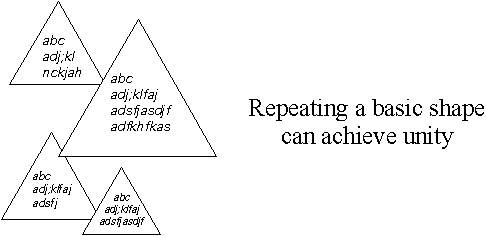
Unity or harmony gives elements the appearance of belonging together. It is the proper balance of all elements so that a pleasing whole results. The image is viewed as one piece, as a whole, and not as separate elements. Using too many shapes or typefaces may cause a design to be unfocused. An organized design can be achieved by using a basic shape which is then repeated.
Rhythm
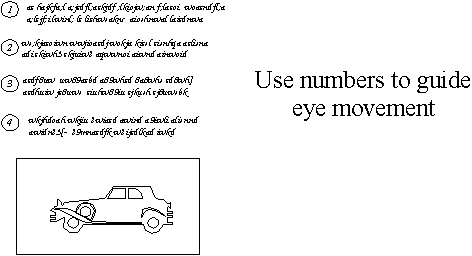
Rhythm is used to create eye movement and direction. It occurs when a design element is repeated. Rhythm acts as guide so the eye reads important parts of a message. Numbers can then be used to direct the reader from one element to another.
Proportion
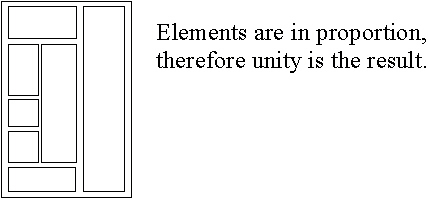
Proportion is the relationship between size and shape. It helps to achieve balance and unity in a layout. To obtain good proportion the sizes of the elements must be regulated. To avoid the design from being dull and static, proportion must be balanced by the use of contrast or unity. Proportion is a means of developing an aesthetically pleasing relationship between each of the elements used in the layout.
| Top of page | | Home page | |On to Questions | | Go to Answers |
