SIGNING EMAIL MESSAGES
To add your signature to all your email messages:
- Go to Edit and scroll down to Preferences.
- Choose the Signature tab (see below):
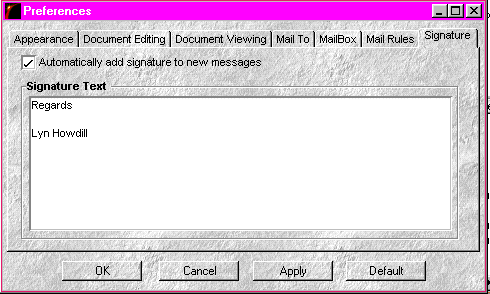
- Fill in your automatic signature text.
- Click the Automatically add signature to new messages box.
- Click Apply and OK.
Go to Downloading Attached Files