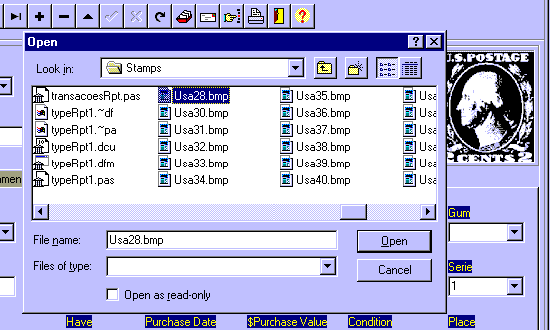
To Insert a Picture of the Stamp on the record, click on the Insert Picture
Button.
As you can see above, you�ll get then an File Open dialog. Chose the correct
folder and the BMP picture file name and press ok.
See Also
Inserting a Picture of the Stamp